How to Remove a Tattoo From a Photo: AI vs Every Other Method
A practical comparison of every method for removing tattoos from photos and videos — from manual editing to AI-powered tools — so you can choose what actually works.
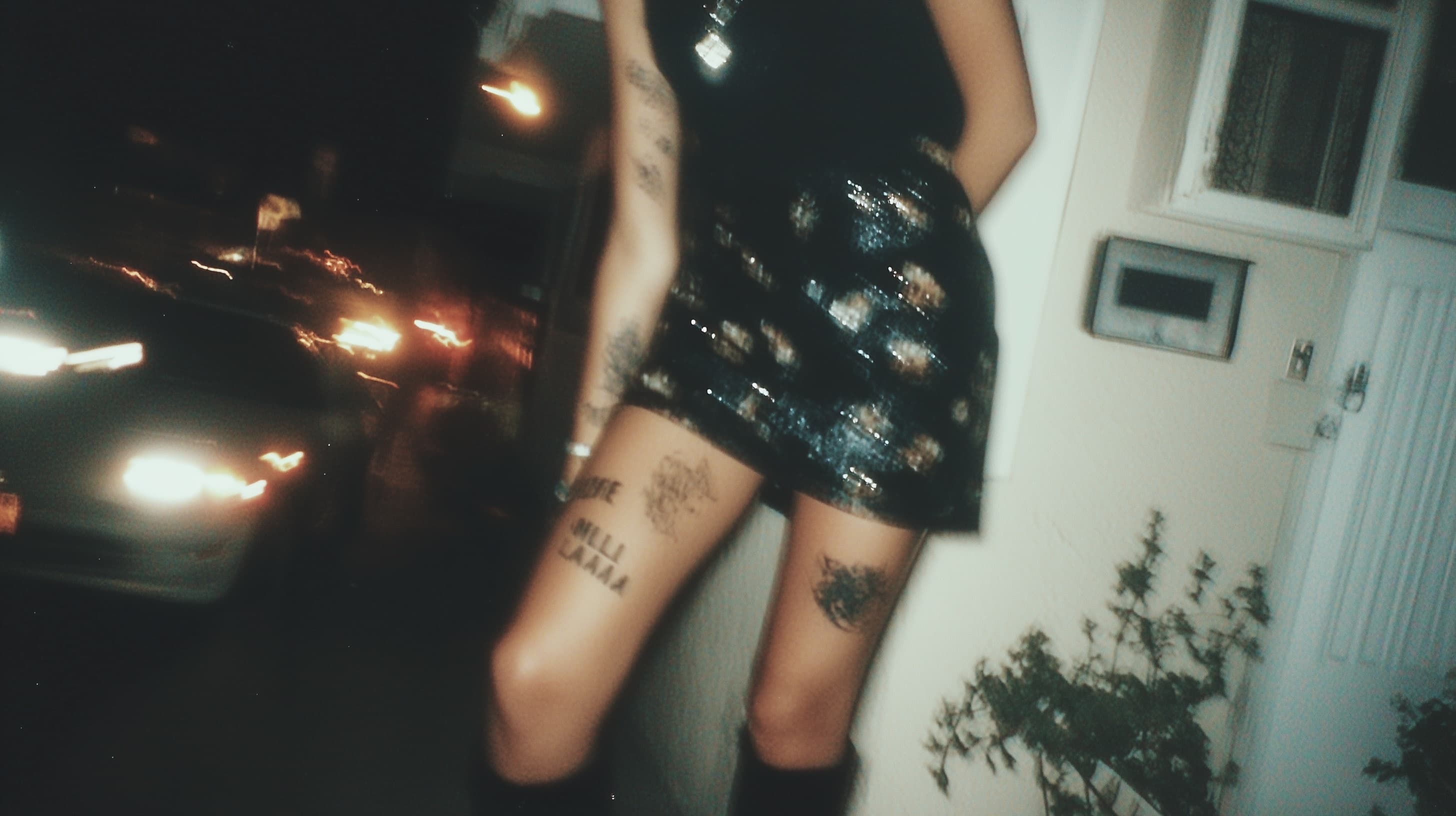
Whether you want to clean up old photos, protect your identity in content you publish, or just see what you'd look like without a tattoo, removing ink from a photo is more doable than most people expect. The options range from manual editing to fully automated AI tools. They are not all equal, and for a lot of use cases, only one of them actually works.
Why people remove tattoos from photos
The reasons vary more than you'd think. Content creators remove tattoos to stay anonymous across accounts. Models and performers clean up portfolio shots for clients with conservative brand guidelines. Some people want to preview how they'd look before committing to removal. Others just want certain photos to look different.
Whatever the reason, the goal is the same: skin that looks natural where the tattoo used to be, without the edit being obvious. That's where the methods start to split apart.
Manual editing in Photoshop
Photoshop has tools for this. The Clone Stamp, Healing Brush, and Content-Aware Fill can all get you partway there. You sample nearby skin, paint over the tattoo, and let Photoshop blend the texture. On simple cases, like a small tattoo on flat, even skin, it works fine.
Where it falls apart
Tattoos don't usually sit on simple surfaces. Forearms curve. Hands wrinkle. Necks have shadows and texture. The more complex the skin surface beneath the tattoo, the harder it is to produce convincing results manually. A skilled retoucher can spend two to four hours on a single image and still produce something that looks slightly off.
Scale is the other problem. If you're producing content regularly, editing every image by hand is not a sustainable workflow. For video, it's basically not an option at all. Manually editing thousands of frames isn't realistic without dedicated compositing software and a serious time commitment per clip.
Works best for: professionals with Photoshop skills removing a small tattoo from a single high-stakes photo.
Mobile tattoo removal apps
There are apps that promise one-tap tattoo removal. Some use simple inpainting. Others run basic AI models. On a small tattoo with solid skin tone and good lighting, a few produce results that are fine for casual use. On anything more complex, the output tends to look obviously edited: flat texture, mismatched tone, soft edges in the wrong spots.
Most only work on still photos. None handle video.
Works best for: casual social posts where the edit won't be scrutinized and the tattoo is small and simple.
AI-powered removal tools
The most useful development in this space over the past few years is AI built specifically for tattoo removal. Not general inpainting, but models trained on this particular problem. The difference shows in the results.
How it works
The model looks at the tattoo area and the surrounding skin at the same time. It reads texture, tone variation, and skin pattern from the area around the ink, then reconstructs what the skin in that exact spot would plausibly look like without the tattoo. It's not copying pixels from somewhere else. It's generating skin that belongs there.
The result tends to hold up to close inspection: consistent texture, accurate tone gradients, edges that don't give the edit away.
What AI handles that other methods don't
Complex surfaces. Tattoos on knuckles, necks, forearms, and collarbones are hard to edit manually because the skin topology is uneven. AI handles these naturally.
Large coverage. A half-sleeve or chest piece is a significant manual editing project. AI processes it the same way it handles a small wrist tattoo.
Video. This is the biggest differentiator for creators. Consistent frame-by-frame removal with no flickering, no seams, no manual tracking is only possible with AI. Every other method breaks down at video scale.
Comparing results
When you're evaluating any removal method, three things matter.
Texture consistency. Does the skin in the removed area have the same pore structure and surface detail as the surrounding skin? Flat, smooth patches are the most obvious tell.
Tone accuracy. Skin tone shifts across a body part. Does the filled area match those gradients or does it look like a uniform patch dropped in?
Edge quality. Where the tattoo meets natural skin, the transition should be invisible. Blurring or hard lines both give it away.
AI tools built specifically for tattoo removal produce the best results across all three, especially on the complex cases where manual editing fails.
AI removal for video content
For creators, video is the harder problem. A visible tattoo in a YouTube video or TikTok clip is visible in every frame, potentially thousands of them. Even if you could edit each one manually, maintaining consistency across motion, changing light, and varying camera angles is a completely different challenge.
tattooremoveai.com processes video automatically. The tattoo is gone across the full duration of the clip, regardless of how much the subject moves. It's the only approach that works at any real scale of video content.
What AI can't fix
Nothing handles every case perfectly. Heavily textured areas like elbows and knees are harder for any approach. Very large tattoos that cover most of a visible body part require more surrounding context for the reconstruction to work well. Heavily compressed or low-resolution photos limit what any tool can do. The output quality is only as good as the input.
Lighting matters too. Photos taken in good, even light give any tool the best chance at a clean result. Heavy shadows directly over the tattoo area make accurate reconstruction harder.
Choosing the right method
One photo, small tattoo, and you know Photoshop: manual editing gives you precise control. Producing content regularly and need something that scales: AI is the only method that keeps up. Mobile apps fill a casual, low-stakes gap, fine for a profile photo but not reliable for anything public-facing.
For video, there's no real comparison. AI is the only option that's actually workable.